Meet the team: Ryan Haney

By , February 18th, 2012

True to form for the .NET Reflector team, Ryan brings a suite of talents to the table. UX specialist, top-notch facilitator, front-end web designer, triathlete, and gourmand. All essential skills. Ryan takes no prisoners, makes no compromises, and pulls no punches. In another life, we’re pretty sure he was a gritty, hard-boiled, film noir detective. On a sweet bike.

Ryan Haney - UX Specialist

Continue reading »

      Comments (0)

.NET Reflector 7.5 – Understand any .NET code

By , February 13th, 2012

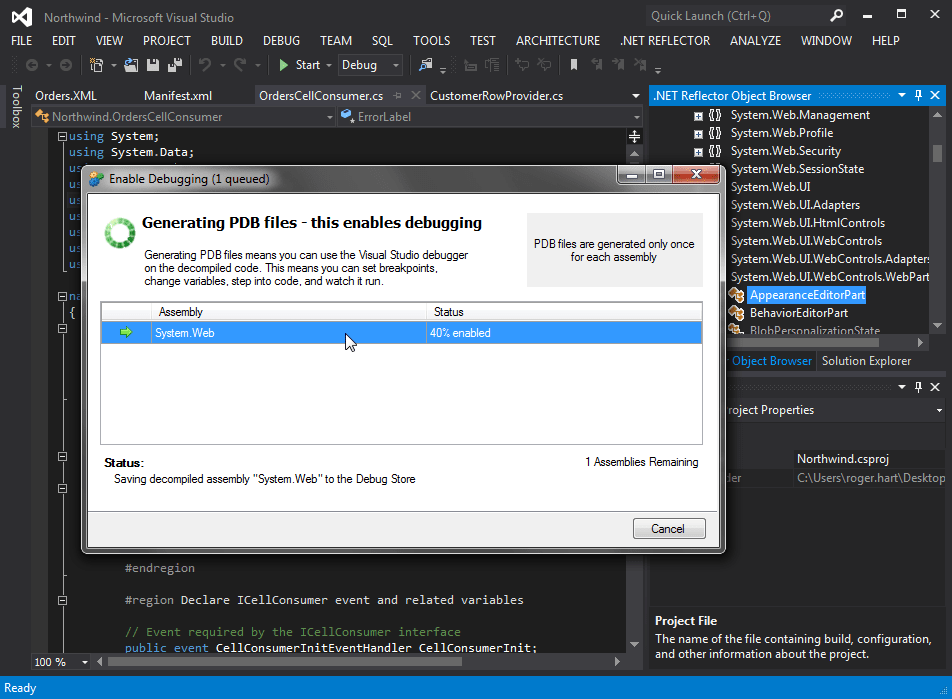
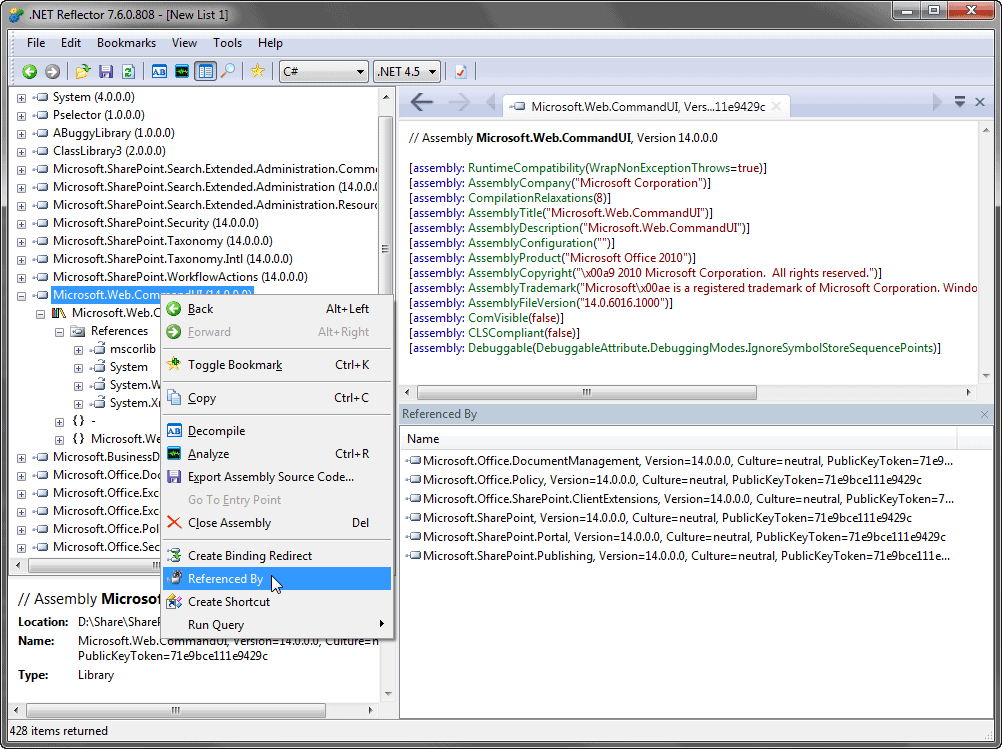
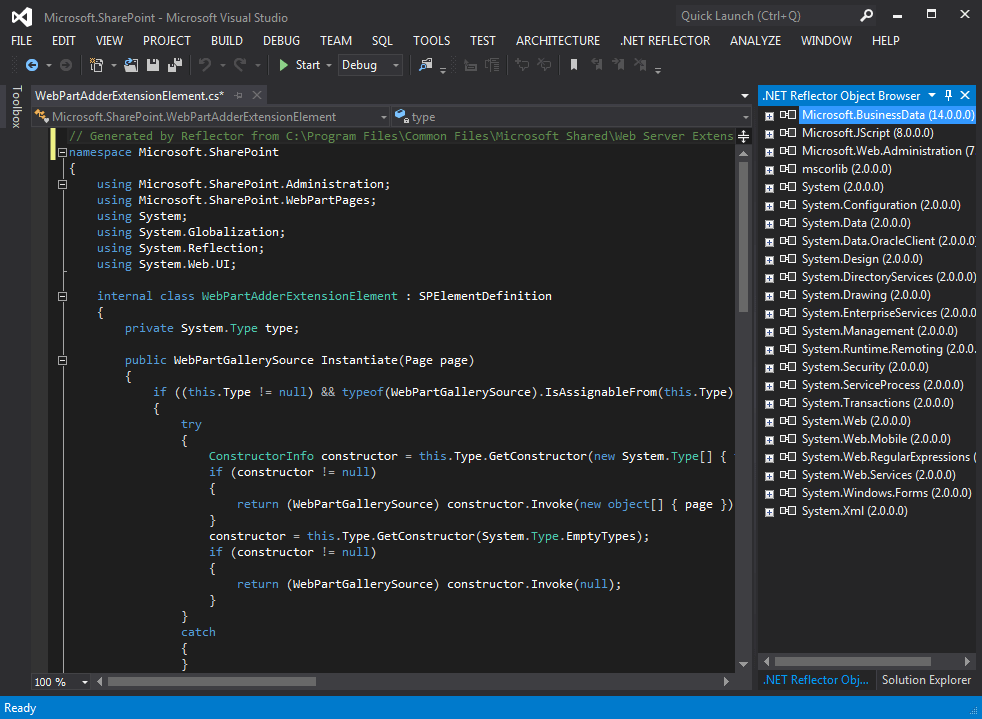
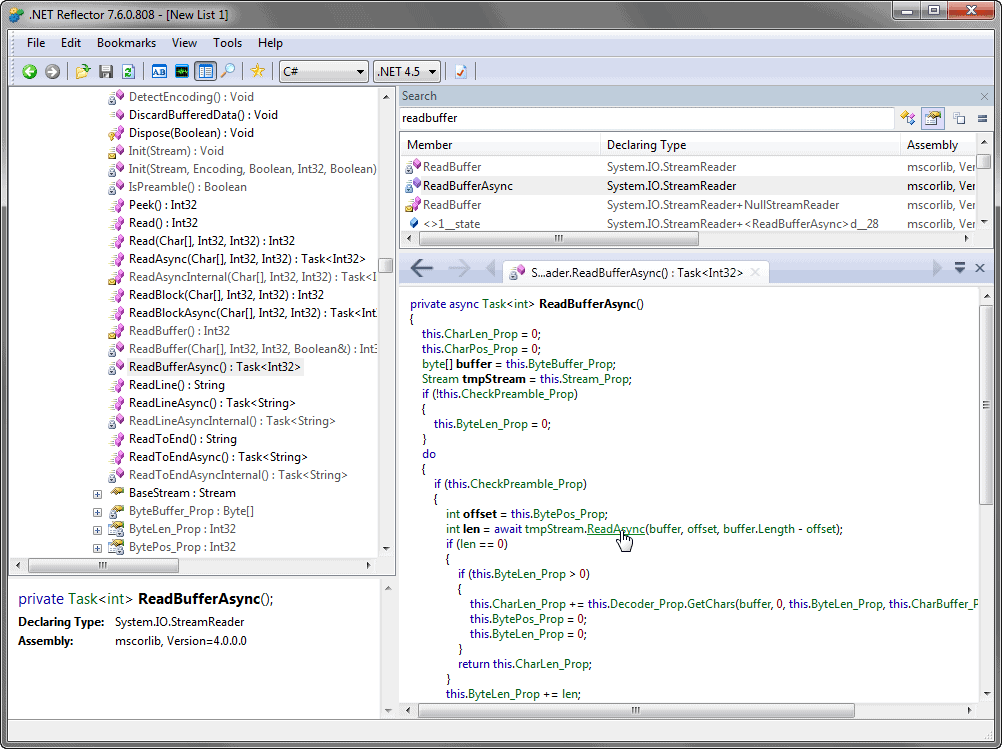
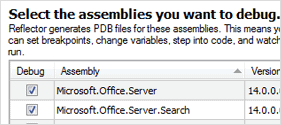
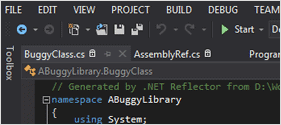
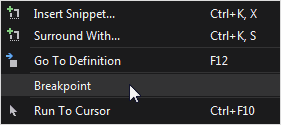
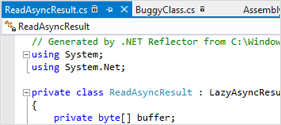
Today we are proud to announce the release of .NET Reflector v7.5. This release brings several enhancements to our Visual Studio integration, as well as improvements to the stability, performance, and design of Reflector itself. The new features allow developers to decompile, debug, and understand any .NET code within Visual Studio, using Visual Studio’s native debugging workflows.


Continue reading »

      Comments (0)

Peli’s Classics – Reflector Addin Bundle

By , February 8th, 2012

Just before Christmas, I had an opportunity to talk to the inestimable Peli de Halleux, Microsoft researcher &, with support from Lutz, a prolific author of .NET Reflector addins. If you’ve not had the opportunity to read his blog, you should – he doesn’t post often, but when he does, it’s worth a look.

I’m very pleased to announce that many of Peli’s classic add-ins are now available from our .NET Reflector add-in showcase in one handy, productivity bundle.
Peli's Classic Bundle

Continue reading »

      Comments (0)

Using .NET Reflector to read .NET Assemblies

By , January 27th, 2012

(or “How to Check if Production Code is Obfuscated“. Another Guest post by David Connell (with a little help from Dom Smith, Jason Crease, Clive Tong, and Chris Massey)

David Connell, back again, and still a software developer at Red Gate. Here at Red Gate we are careful to obfuscate released software in order to help protect our intellectual property, and the obfuscation is performed by one of our other products, SmartAssembly, which should be run by our build system automatically. If you recall, I’ve been looking at a way to use .NET Reflector to automatically check whether our products are obfuscated, and I’ve made the full source code for the solution available at the bottom of this post.

.NET Reflector obfuscation checker source code.

Continue reading »

      Comments (8)

Early Access Build 7: A Leap Build

By , January 25th, 2012

It’s our first release of 2012, and it’s a leap year, so we’re jumping right ahead to EA build 7 (we actually released build 6 quietly over the holidays, but a lot of the work was preparation for Build 7). We’ve been focusing on fine-tuning our integration with Visual Studio, as well as making the best use of our resident UX specialist. We released this at the very end of last week, so the dust has settled, the post-it notes have all been moved, and now is a good time to take a look at the latest enhancements.

The latest .NET Reflector sprint is complete

Let’s see what’s new.
Continue reading »

      Comments (0)

Meet the team: Clive Tong

By , January 20th, 2012

Alongside Nigel, Clive Tong is the resident technical mastermind of .NET Reflector – the Go-To Guy, if you will. Widely respected for both his depth and breadth of technical knowledge, (not to mention his patience), Clive is also the only other member of the team (besides Ruchika) to eschew the use of Nerf guns. In our eyes, this basically makes him into some kind of kung-fu monk (a status he actually has some qualifications towards). He also regularly blogs about developments in .NET, technical book reviews, and the latest interesting thing he’s learned.

Clive Tong: Non-Combatant Developer

When it comes to computer science and software development, Clive’s been around the block, and so he’s got a lot of interesting tales to tell.

Continue reading »

      Comments (3)

Meet the team: Roger Hart

By , December 21st, 2011

Roger is a hardened veteran from Red Gate’s SQL Tools division, where he championed the cause of clear technical communication and information architecture. He has stared down development teams, and menaced project managers into doing what they know in their hearts to be right for their users. He’s also been tied to his chair using Christmas lights, which he’s not very pleased about…

Rogert Hart - Content Marketing Specialist
Continue reading »

      Comments (2)

A little pre-Christmas housekeeping – early access build 5

By , December 20th, 2011

We’ve released our 5th early access build

The previous few builds have been about making the Visual Studio integration more seamless and morphing from being a Visual Studio Add-in to a Visual Studio Package. The whole team is working towards making seamless, dynamic decompilation and automatic ‘Step Into’(F11) code without source a reality.

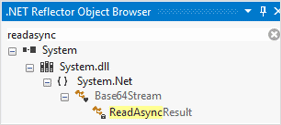
To help, we came up with the ‘ROB’. For the world outside it’s known as the ‘Reflector Object Browser’. You can now right click on any assembly in the ‘ROB’ to make it debuggable. This generates the .pdb file for that assembly in the cache directory, and enables you to dynamically step into the implementation of an assembly by just hitting F11. Similarly, you can also double-click on any method in the ‘ROB’ to dynamically generate the code for it in Visual Studio.

So, why this new early access build just within a week of the previous early access build? Well, we decided that this sprint would be all about doing some housekeeping tasks which we’ve wanted to do for a long time, but didn’t manage to prioritize earlier. We’ve now managed to fix quite a few bugs around general usability, ‘Go to Definition’ functionality, licensing, and SmartAssembly.

Here is an entire list of what’s new for this EAP:

  • ‘Go to Decompiled Definition’
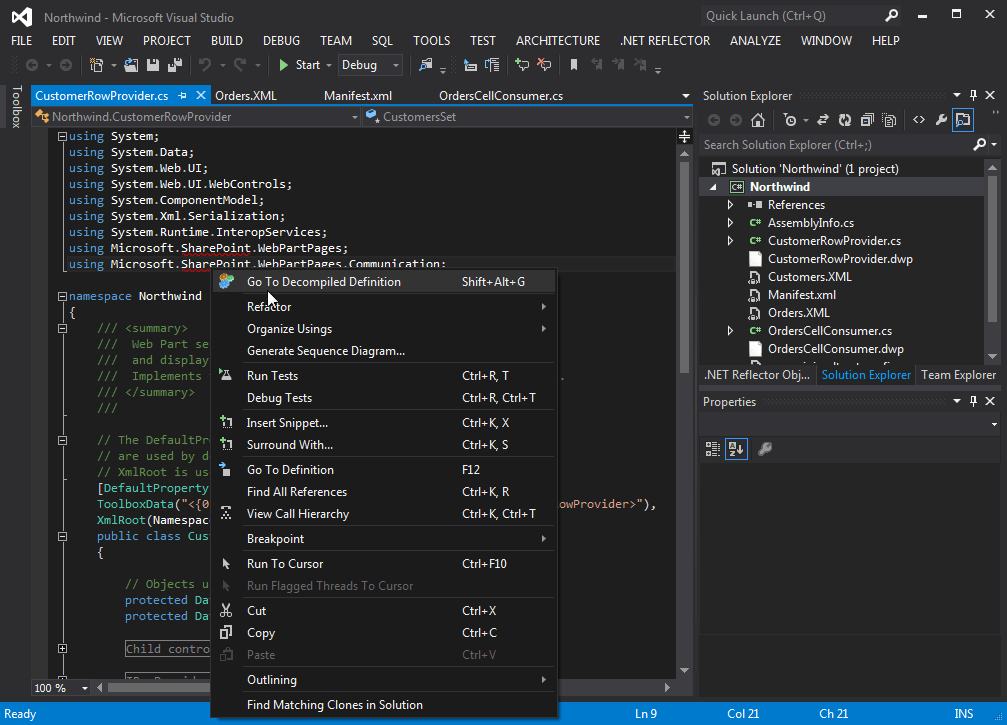
    We re-introduced the ‘Go to Decompiled Definition’ right-click menu item in the Visual Studio text editor. It enables you to go to the definition of a type decompiled by Reflector, if there is a conflict with the Visual Studio ‘Go to Definition’ behaviour. For example, right-click on ITypeDescriptorContext, and click ‘Go To Decompiled Definition’:

    The Go to Decompiled Definition menu item

    The Go to Decompiled Definition menu item

    This takes you to:

    Go to Decompiled Definition

    Viewing the decompiled code.

  • Issues with different versions of the same assembly
    There were problems with dynamic code generation for two versions of an assembly being shown in the ‘Reflector Object Browser’. For example, if you have two different versions of mscorlib, you should now be able to inspect the code for each version simultaneously.
  • Better ‘Go to Definition’ support
    ‘Go to Definition’(F12) should now work for many more keywords which weren’t enabled previously, for example the ‘this’ keyword.
  • ‘Flatten namespaces’
    We fixed the long-lingering bug with the flatten namespaces dialog box. It seemed to appear regardless of whether the flatten namespaces option was turned on, and this is now fixed.
  • Usability enhancements
    We managed to pull out a list of usability issues from our long-standing pool. We’ve looked at: Activation/Deactivation menu items, inclusion of icons in various places, some messages in the ‘ROB’, and sorting on the ‘Choose Assemblies to Debug’ dialog box (now enabled by version type and Isdecompiled check box in). We also have a modal dialog to let a user know that their methods are being decompiled whenever a request for dynamic decompilation is made.
  • SmartAssembly bugs
    Last but not the least, we’ve been able to fix few SmartAssembly issues sent in by those of you who tried our previous EA builds. Most of these were around licensing and installation.

As always we’d love to here your feedback on the latest EAP or anything to do with .NET Reflector so please drop us a line on the forums or the EAP pages.

Previous posts mentioning 7.5

      Comments (0)

Early Access Build 4 – In time for Christmas

By , December 13th, 2011

The work on getting Reflector working inside Visual Studio is progressing fairly quickly. In the previous EAP, we detoured a little, re-implementing the existing Addin as package (for users of VS2010 onwards) in order to allow us to get tighter integration into Visual Studio.

This has allowed us to work with the F12 shortcut and associated “Go To Definition” command, dynamically decompiling source as needed.

As in previous EAPs, the Reflector Object Browser (ROB) is populated with the assemblies that are referenced by your solution. You can then navigate through these assemblies using the Reflector tree, double-clicking at any time to decompile and display the source in an editor window. For example, here I navigated to AppDomain in the ROB and double-clicked…

Selecting AppDomain in the Reflector Object Browser
Continue reading »

      Comments (0)

Freshly Baked: EA build 3 – A Festive Package

By , December 2nd, 2011

What are we doing?

Acting on some conversations we’ve had with the guys at Microsoft, we’re currently in the process of changing how we integrate with Visual Studio. Specifically, we’re moving away from being a Visual Studio add-in, and towards being a Visual Studio package.

Visual Studio Package
Continue reading »

      Comments (0)