.NET Reflector Early Access Program
The current EAP has ended, and we are proud to announce that .NET Reflector v7.5 has now been released. We really appreciate all the time and feedback that our EA users have given us. The new features we’ve developed with your feedback will help developers to debug and understand any .NET code within Visual Studio.Roadmap (Version 7.5)
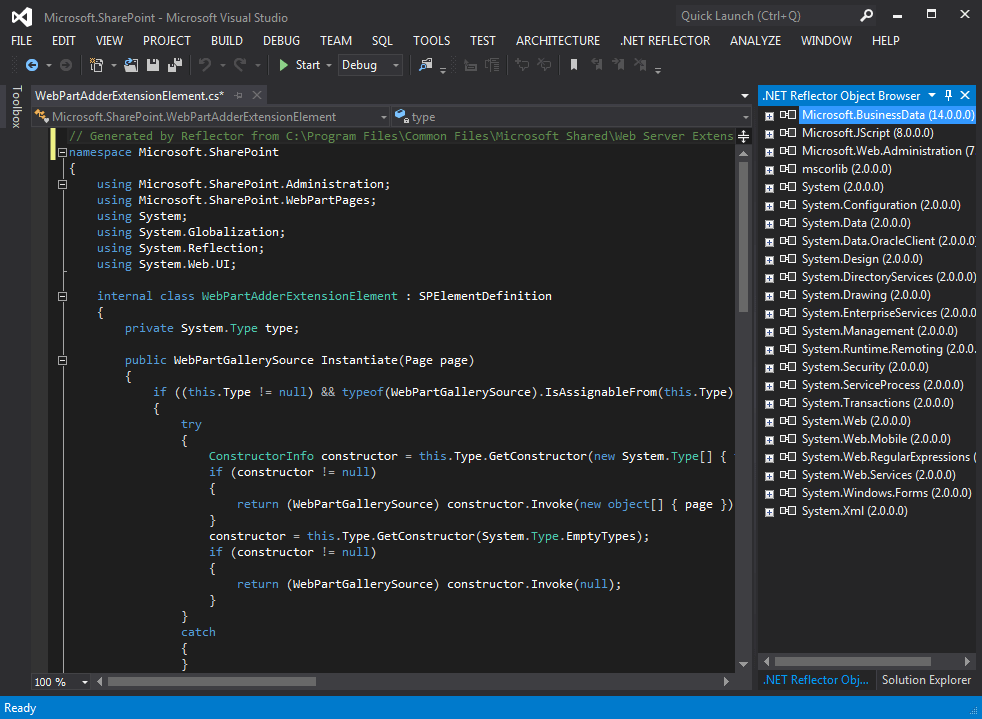
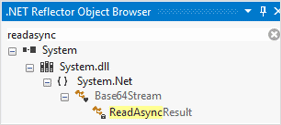
- A fully-featured Reflector Object Browser (ROB) inside Visual Studio
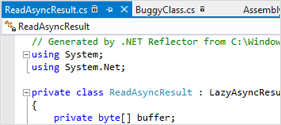
- Dynamic type-by-type decompilation in the Visual Studio editor
- An improved Visual Studio debugging experience, step straight into code without source
Get Early Access to .NET Reflector v8
We’ll be starting work on v8 in the not-too-distant future, and we’re looking for volunteers to help us with usability sessions, or to join in some of our sprint reviews. You can also sign up for email updates or join our many to many mailing list where we’ll start discussions about potential new features. Click the button below to get involved.If you’ve been involved in the EAP for .NET Reflector 7.5, then join our UserVoice EAP forum, and let us know what you thought of it.
Change-log for .NET Reflector v7.5
- Many string changes to make things easier to understand
- Assorted design changes to dialogs and screens
- Improvements to the installation experience of the package
- Improved the speed of type by type decompilation
- Improved handling of the case where the add-in is superseded by the package (we remove the old menu items)
- Error reporting experience is more fine-tuned. Users have options to be notified of work-arounds and fixes
- Hide menu items such as “enable debugging”, instead of just disabling them
- Make “enable debugging” work on all items of the tree, rather than just the top level assembly item
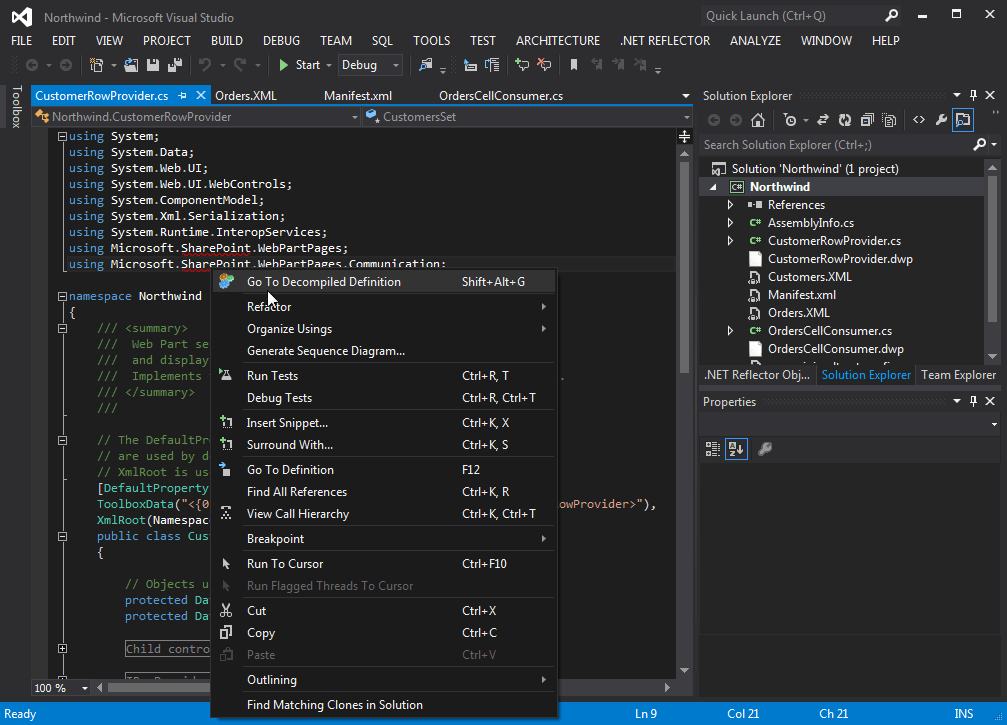
- "Go to decompiled definition" more commonly enabled.
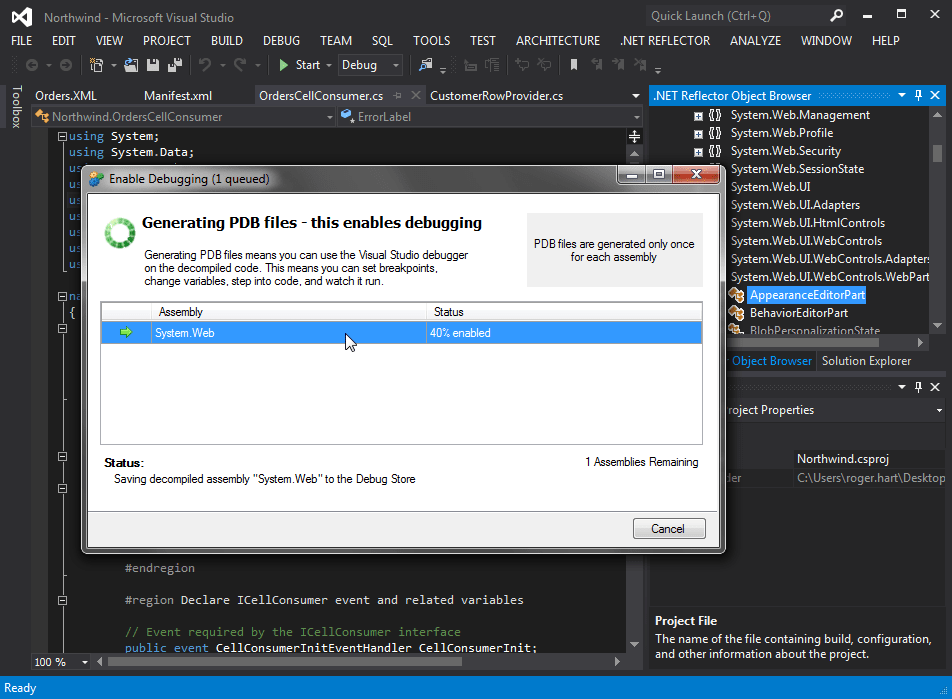
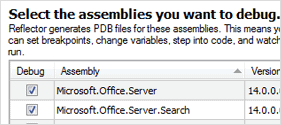
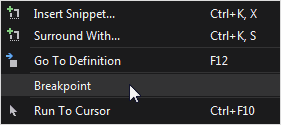
- Setting a break point causes the necessary PDB file to be automatically generated
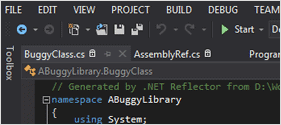
- Decompiled code can now be stepped-into like any other code
- Attempting to step into inaccessible code triggers instructions on how to debug it correctly
- Multiple PDBs can now be generated in parallel
- PDB generation can currently take a little time, especially if you’re generating several or the assemblies are particularly large
- The trial dialog screen has been updated to be more informative and clear
- Re-introduced “Go to Decompiled Definition” right-click menu item
- Improved support for ‘Go to Definition’(F12) in code without source
- A number of simple usability enhancements
- A number of licensing and installation bug fixes
- Added support for ‘Go to Definition’(F12) in code without source
- Improved path to decompiled code
- Improved path to pdb generation for code you want to debug
- Completed move to a VS Package
- Started transition from a VS Add-in to a VS Package
- Added support for VS11
- Turned on SmartAssembly feature usage reporting on by default for all EA builds
- Added loaded project references to the Reflector Object Browser (ROB)
- Double click on any type in the ‘ROB’ to decompile in a new VS editor pane
- Added a Reflector ‘Go to Definition’ context menu item to navigate through code without source
- Added a new ‘Reflector Object Browser’(ROB) into Visual Studio (will eventually offer decompilation by type inside VS)
- Changed the way Reflector shows the version number to display the correct build number
- Bug fixes:
- “Open in Reflector” context menu not working.
- XAML Source Code is wrong delimited.
- Missing end tag in XAML Translation.
- Code generation for different versions of the same assembly
- ‘Flatten Namespaces’ dialog
- Various decompilation and assembly-loading problems have been fixed – drop us a note if you’d like to know more.